
How to Integrate Your Website with Popular Marketing Tools
Maciek Grabowski ·
Integrating your website with popular marketing tools is a crucial step in growing your online business. The right tools allow you to collect user data, analyze the effectiveness of your marketing campaigns, and automate many processes, significantly boosting efficiency. In this article, you’ll learn how to integrate your website with tools that will help you increase your visibility, improve conversions, and manage your marketing efforts effectively.
Why Should You Integrate Your Website with Marketing Tools?
Integrating marketing tools isn’t just about simplifying website management—it’s also a way to boost sales and build stronger relationships with your customers. Key benefits include:
- Increased online visibility through better analysis of traffic and advertising campaigns.
- Personalization of the user experience, which leads to higher conversion rates.
- Automation of processes like email marketing, saving time and improving efficiency.

1. Google Analytics – Track Traffic and User Behavior
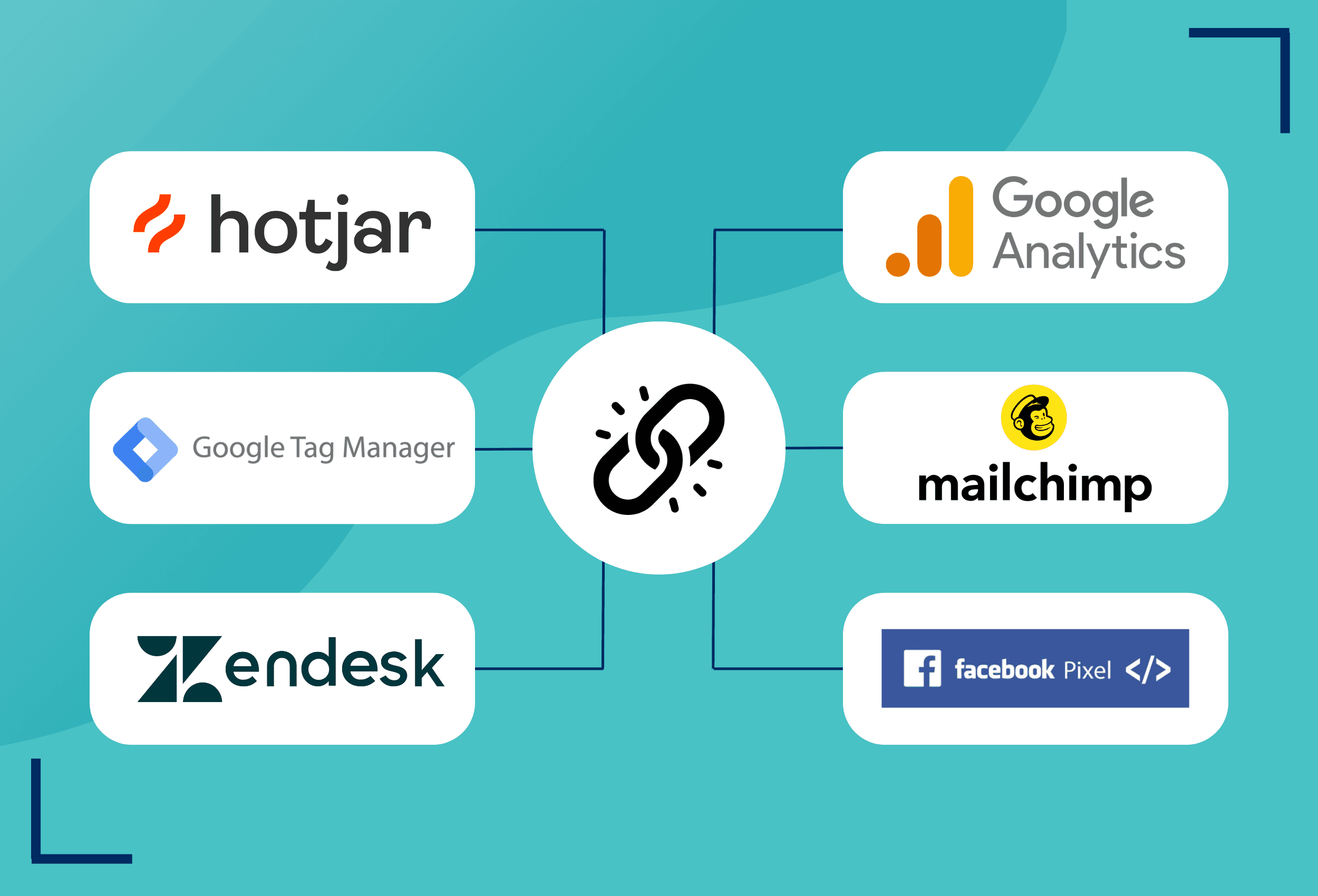
Google Analytics is an essential tool for tracking website traffic and analyzing user behavior. Integrating with this platform gives you access to detailed reports, helping you better understand how visitors interact with your website.
How to Integrate Google Analytics:
- Sign up for a Google Analytics account and create a new property.
- Generate the tracking code and add it to the header of every page.
- If you’re using a CMS like WordPress, you can install a plugin that automatically adds the code to your site.
Benefits:
- Monitor the number of visitors, traffic sources, and time spent on the site.
- Analyze the effectiveness of your advertising campaigns.
- Identify problem areas on your site (e.g., high bounce rates).

2. Mailchimp – Automate Your Email Marketing
Mailchimp is one of the most popular tools for automating email marketing. It allows you to create and send email campaigns and manage your subscriber lists.
How to Integrate Mailchimp:
- Sign up for a Mailchimp account and create a mailing list.
- Use available plugins or manual API integration to connect your website with Mailchimp.
- Add a newsletter signup form to your website to collect email addresses.
Benefits:
- Automatically send personalized messages.
- Segment your audience based on their behavior on your site.
- Get reports on open rates, clicks, and engagement.

3. Facebook Pixel – Better Ad Targeting
Facebook Pixel tracks user activity on your site and enables more accurate ad targeting on Facebook and Instagram. Pixel allows you to collect data on users who visit your site and create personalized ad audiences for remarketing campaigns.
How to Integrate Facebook Pixel:
- Create a Pixel in Facebook Ads Manager.
- Add the Pixel code to your site’s header manually or via a plugin.
- Set up events (e.g., add to cart, purchases) to track key actions.
Benefits:
- Show ads to users who have already visited your site.
- More precise ad targeting based on user actions.
- Better analysis of ad campaign performance.

4. Hotjar – UX Analysis and Conversion Optimization
Hotjar is a user experience (UX) analysis tool that provides heatmaps, session recordings, and surveys. It allows you to track how users navigate your site and where they encounter difficulties.
How to Integrate Hotjar:
- Create an account on Hotjar and generate a tracking code.
- Add the code to your site’s header.
- Set up heatmaps and other analysis tools.
Benefits:
- Understand how users move through your site.
- Identify areas that may lead to low conversion rates.
- Optimize your site layout to increase user engagement.

5. Google Tag Manager – Simplified Tag Management
Google Tag Manager is a tool that simplifies the management of various tracking scripts (tags) on your site. Instead of manually adding each code, you can manage them all in one place.
How to Integrate Google Tag Manager:
- Sign up for a Google Tag Manager account.
- Set up a container and add the tags you want to track (e.g., Google Analytics, Facebook Pixel).
- Place the GTM code on your website.
Benefits:
- Easily manage all tracking tools from one location.
- Add new tags without changing your site’s code.
- Faster implementation of new marketing tools.

6. Zendesk – Customer Support and Live Chat
Zendesk is a customer service platform offering tools such as live chat, ticketing systems, and a knowledge base. Integrating with this platform allows you to provide real-time customer support and solve issues efficiently.
How to Integrate Zendesk:
- Create a Zendesk account and set up your ticketing system and live chat.
- Use available plugins or manually add the chat code to your site.
Benefits:
- Provide instant assistance to customers, improving satisfaction.
- Centralize all inquiries in one place.
- Personalize customer service through the history of previous interactions.
Conclusion
Integrating your website with marketing tools is essential for any business looking to improve its effectiveness and attract more customers. Tools like Google Analytics, Mailchimp, Facebook Pixel, and Hotjar allow you to monitor actions, personalize offerings, and optimize marketing campaigns. With these tools, your site will not only perform better but also offer a more user-friendly experience.
If you need help integrating your website with marketing tools, contact us today! Our experts can assist you in optimizing your marketing efforts to achieve the best results.