
How to Optimize Your Website for Core Web Vitals
Maciek Grabowski ·
In today’s digital landscape, website performance plays a crucial role in user experience and search engine rankings. Google’s Core Web Vitals are a set of specific factors that affect the overall experience of a user on a webpage, focusing on loading performance, interactivity, and visual stability. Optimizing your website for these metrics can significantly improve user satisfaction and boost your SEO rankings. In this article, we’ll explore what Core Web Vitals are and how to optimize your website to meet these essential benchmarks.
What Are Core Web Vitals?
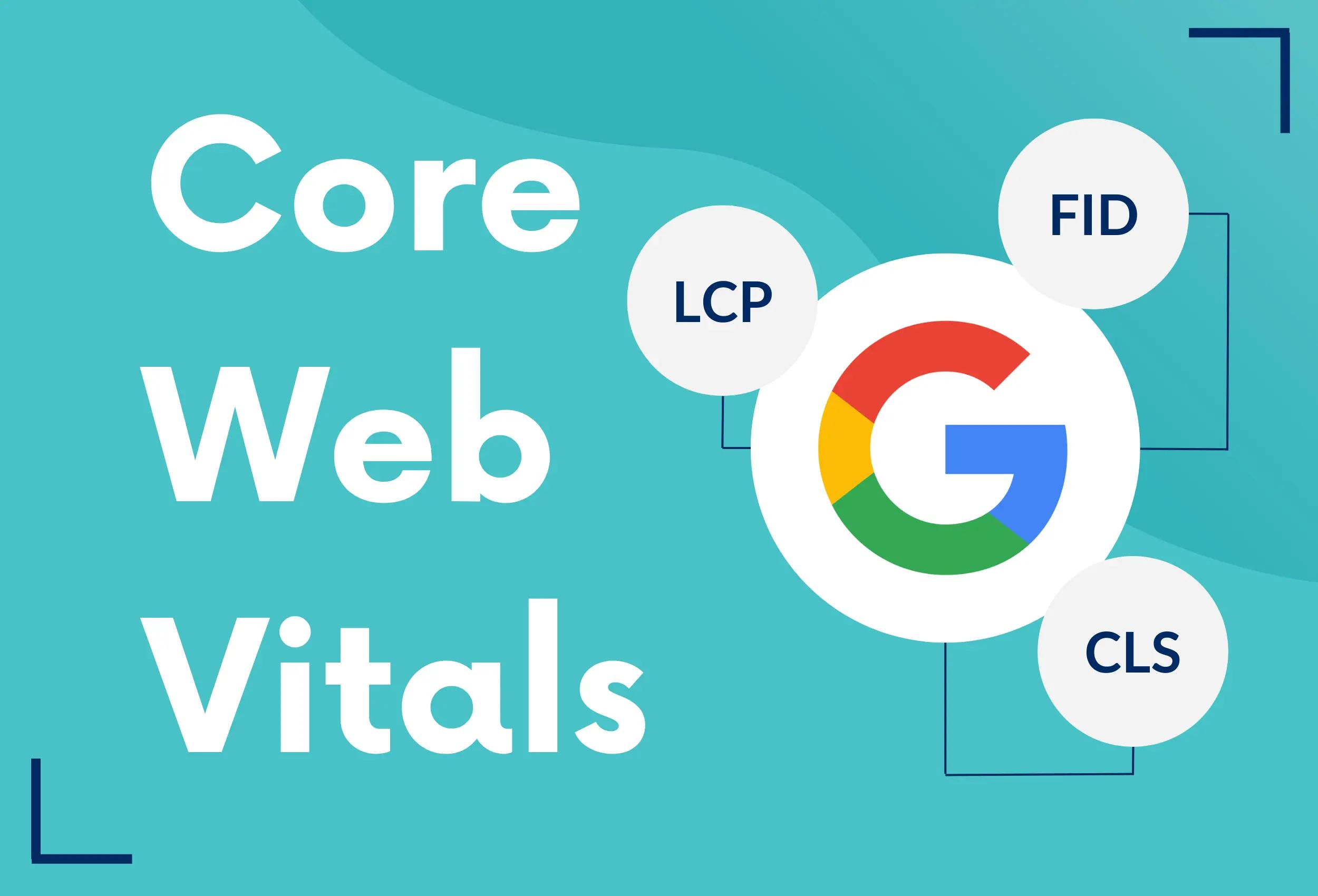
Core Web Vitals consist of three key metrics that measure the user experience on a webpage:
- Largest Contentful Paint (LCP): Measures loading performance. It marks the point at which the largest content element on the page is rendered, aiming for a load time of less than 2.5 seconds.
- First Input Delay (FID): Measures interactivity. It quantifies the time from when a user first interacts with a page (like clicking a button) to the time when the browser can respond. A good FID score is under 100 milliseconds.
- Cumulative Layout Shift (CLS): Measures visual stability. It calculates the amount of unexpected layout shifts during the lifespan of the page, with a target score of less than 0.1.
Why Are Core Web Vitals Important?
Optimizing for Core Web Vitals is essential for several reasons:
- Improved User Experience: Faster loading times and stable layouts lead to a better overall experience, reducing bounce rates and increasing user engagement.
- Better SEO Rankings: Google has integrated Core Web Vitals into its ranking criteria. Websites that perform well in these metrics are more likely to rank higher in search results.
- Increased Conversions: A well-optimized site can improve user satisfaction, leading to higher conversion rates—whether that means completing a purchase, signing up for a newsletter, or filling out a contact form.
How to Optimize Your Website for Core Web Vitals

1. Improve Largest Contentful Paint (LCP)
To enhance LCP, focus on the following strategies:
- Optimize Images: Use next-gen formats (like WebP) and compress images to reduce their file size without sacrificing quality. Implement lazy loading to defer offscreen images until they are needed.
- Minimize Render-Blocking Resources: Identify and eliminate any CSS or JavaScript that blocks the rendering of the largest content element. Consider deferring or asynchronously loading scripts.
- Use a Content Delivery Network (CDN): A CDN can distribute your content closer to users, speeding up load times significantly.

2. Enhance First Input Delay (FID)
To improve FID, consider these tips:
- Minimize JavaScript Execution Time: Reduce the amount of JavaScript that runs on page load. Break up long tasks and use web workers for heavy computations.
- Optimize Event Listeners: Ensure that event listeners are not blocking the main thread. Delegate events when possible to prevent performance bottlenecks.
- Use a Faster Server: Choose a high-performance hosting provider to minimize server response times, contributing to better interactivity.

3. Reduce Cumulative Layout Shift (CLS)
To decrease CLS, follow these recommendations:
- Specify Size for Media Elements: Always include width and height attributes for images and videos to reserve space in the layout, preventing unexpected shifts as they load.
- Avoid Inserting Content Above Existing Content: Ensure that any dynamic content (like ads or pop-ups) is added below the existing content or within predefined spaces.
- Use Stable UI Elements: Design your layout with stability in mind. Avoid using animations that can cause layout shifts and ensure consistent spacing in your design.
Tools for Measuring Core Web Vitals
To assess your Core Web Vitals performance, use the following tools:
- Google PageSpeed Insights: Offers a comprehensive analysis of your site’s performance, including Core Web Vitals scores, and provides actionable recommendations for improvement.
- Lighthouse: An open-source tool integrated into Chrome DevTools, providing insights into performance, accessibility, and SEO, including Core Web Vitals metrics.
- Web Vitals Chrome Extension: A browser extension that gives real-time feedback on your Core Web Vitals as you browse your website.
Conclusion
Optimizing your website for Core Web Vitals is no longer optional—it’s a necessity for ensuring a positive user experience and maintaining strong SEO performance. By focusing on improving LCP, FID, and CLS, you can create a fast, interactive, and visually stable site that keeps users engaged and satisfied.
If you need help optimizing your website for Core Web Vitals or want to enhance its overall performance, contact us today! Our team of experts specializes in web development and optimization, ready to assist you in creating a site that excels in every aspect.