
Top 10 Mistakes in Website Development That Can Cost You Customers
Maciek Grabowski ·
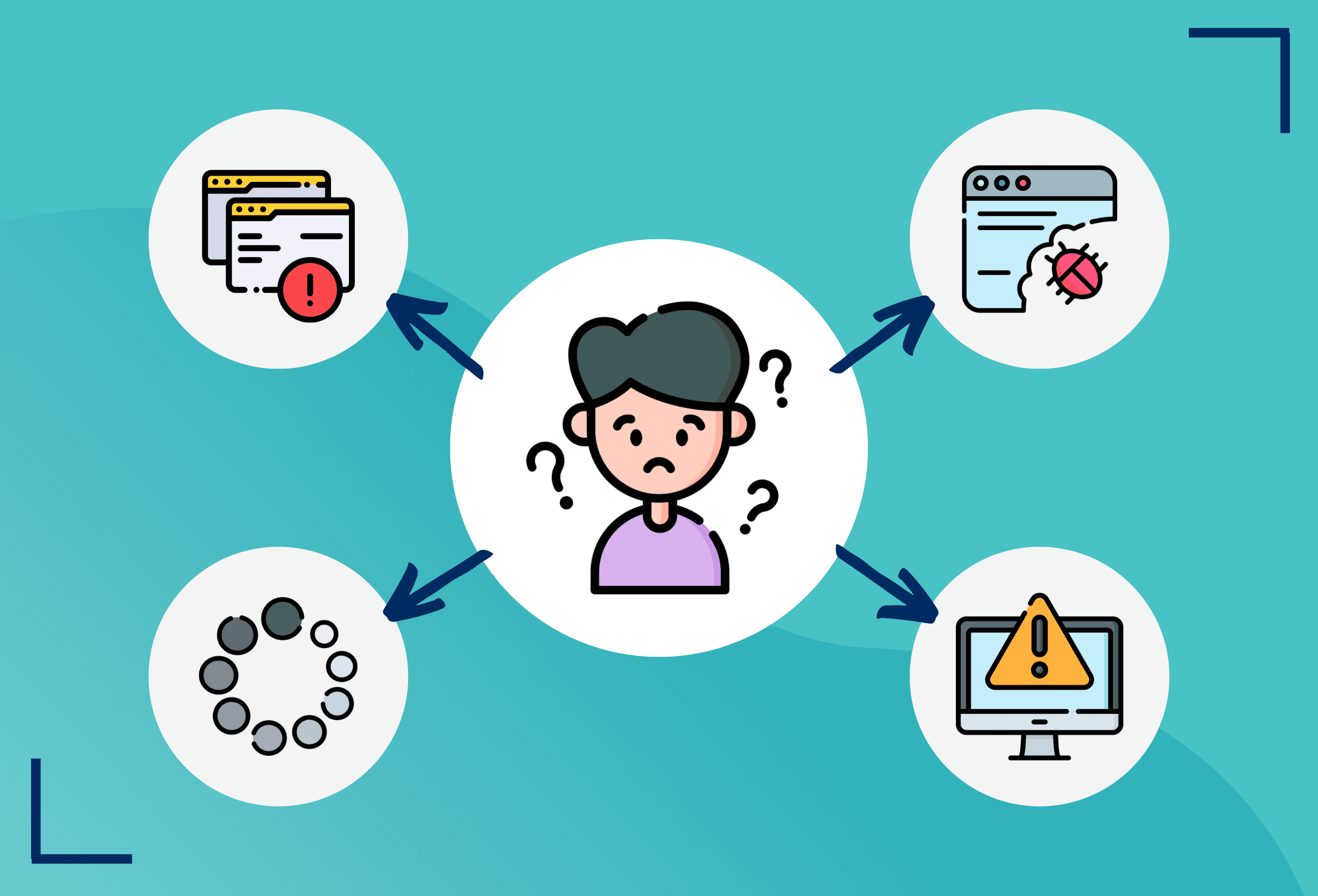
Creating a website is a vital step for any business aiming to establish a strong online presence. However, even small mistakes during the development process can lead to poor user experiences, security issues, or missed opportunities, driving potential customers away. In this article, we’ll go over the top 10 common mistakes made when developing websites and explain why avoiding these errors is crucial to the success of your business.
1. Slow Loading Speed
One of the most critical factors that can affect your website’s performance is loading speed. Users expect fast websites, and if your pages take longer than a few seconds to load, visitors will quickly lose patience and leave. A slow website can also negatively impact your SEO, as search engines like Google prioritize fast-loading sites. To prevent this, ensure your website is optimized for speed by compressing images, minimizing code, and using a reliable hosting service.
2. Not Mobile-Friendly
With more than 50% of global web traffic coming from mobile devices, having a mobile-friendly (responsive) website is no longer optional—it’s essential. If your site doesn’t adjust properly to various screen sizes, you risk alienating mobile users, who are likely to leave and seek out competitors with a better mobile experience. Use responsive design techniques to ensure your website works smoothly on smartphones and tablets.
3. Poor Navigation
Your website’s navigation structure plays a significant role in how easily users can find the information they need. Complex or confusing menus can frustrate visitors, causing them to abandon your site altogether. Clear and intuitive navigation is key. Make sure the most important sections of your site are easy to locate, and keep menus simple and organized.
4. Overcomplicating the Design
While it’s important to have an attractive website, overloading it with too many flashy elements, animations, or colors can distract and overwhelm users. A clean, user-friendly design with a focus on usability is much more effective at converting visitors into customers. Focus on creating a balanced design that highlights your content and calls to action (CTAs) without unnecessary distractions.
5. Lack of Clear Calls to Action (CTAs)
CTAs guide users toward taking specific actions, such as signing up for a newsletter, making a purchase, or contacting you for more information. Without clear and visible CTAs, users might not know what steps to take next, resulting in missed conversions. Make sure your CTAs are easy to spot, action-oriented, and located in strategic places on the website, such as the homepage, product pages, and landing pages.
6. Ignoring SEO Best Practices
Many developers overlook Search Engine Optimization (SEO) during the development phase, focusing solely on design and functionality. However, if your site isn’t optimized for search engines, it will struggle to rank well, reducing its visibility to potential customers. To avoid this, implement SEO best practices from the start, such as using proper heading tags (H1, H2), optimizing meta descriptions, adding alt text to images, and ensuring fast page load times.
7. Poor Content Structure
Even with great design, poorly structured content can drive users away. Large blocks of text, lack of headings, or an unorganized layout make it difficult for visitors to digest information. Break your content into smaller, readable sections with headlines, bullet points, and images to improve the user experience. This will keep visitors engaged and encourage them to stay on your site longer.
8. Security Vulnerabilities
Website security is often an afterthought, but it should be a top priority from the very beginning. Data breaches, malware, and hacks can not only damage your reputation but also result in legal issues and loss of customer trust. Make sure to implement robust security measures, such as SSL certificates, strong password protocols, regular software updates, and data encryption. If you’re using a content management system like WordPress, always keep plugins and themes updated.
9. Not Testing Across Browsers and Devices
What looks great in one browser or on one device may not function properly in another. Failing to test your website across multiple browsers (Chrome, Firefox, Safari, etc.) and devices can result in broken layouts, functionality issues, or poor user experiences. Make sure to test your site thoroughly to ensure it works seamlessly everywhere.
10. Neglecting Regular Updates and Maintenance
Once your website is live, your job isn’t over. Websites need regular maintenance to ensure everything runs smoothly and securely. Failing to keep your site updated, whether it’s with software updates, fresh content, or SEO improvements, can lead to performance issues, outdated information, and security risks. Set up a maintenance schedule to regularly check and update your website.
Conclusion: Avoiding Mistakes to Maximize Success
Building a successful website requires attention to detail and careful planning. By avoiding these common mistakes—such as neglecting speed, mobile-friendliness, security, and user experience—you can create a website that not only attracts visitors but also converts them into loyal customers.
If you’re ready to build or improve your website, contact us! Our team of experts specializes in creating fast, secure, and user-friendly websites that are tailored to meet your business needs. Let us help you avoid these pitfalls and develop a website that drives results.